HTML Editor is an advanced way of creating engaging images, banners, charts and more! You don't have to be a designer, but you need to know HTML and CSS basics to create a layout for your images.
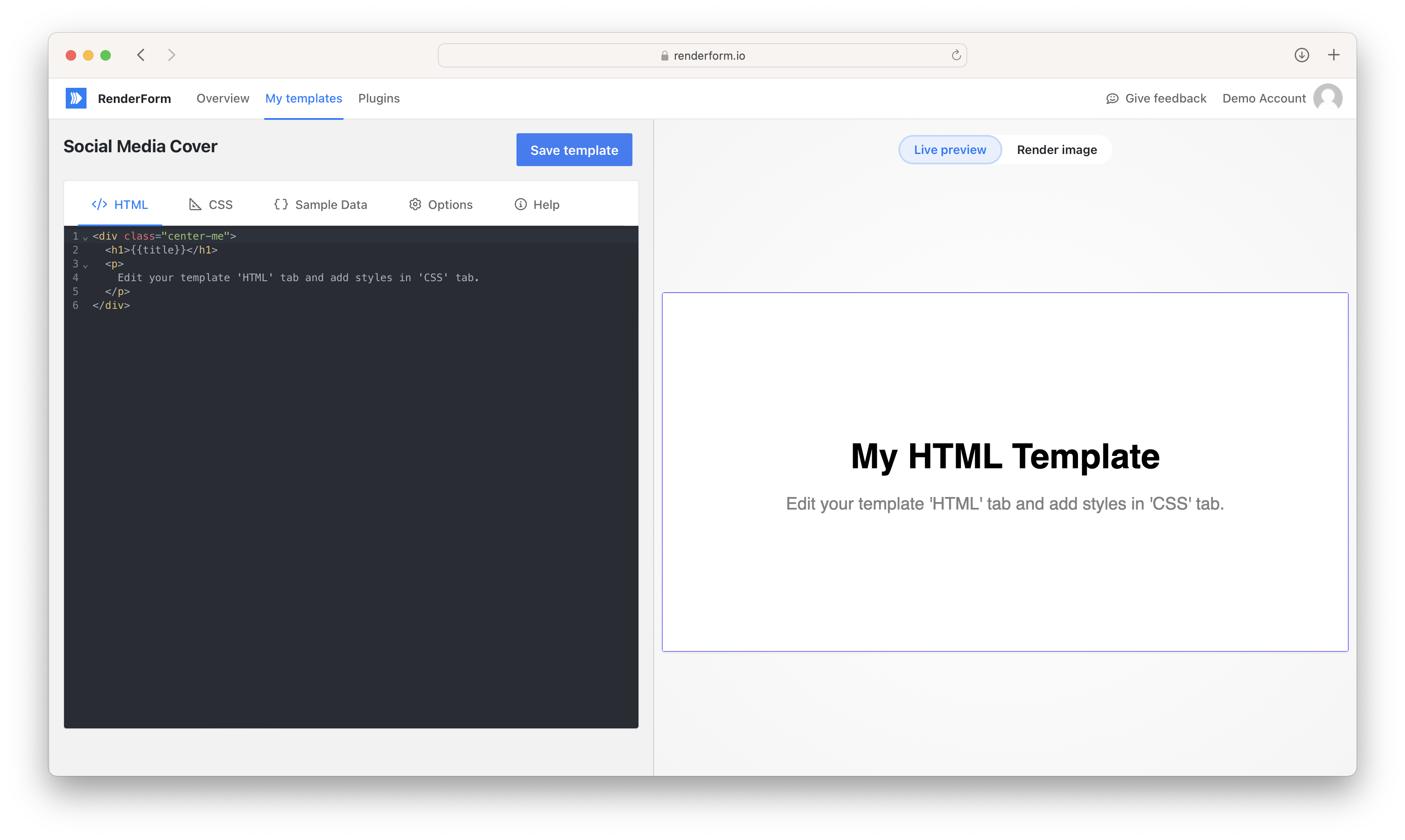
Usage
Use merge tags in HTML or CSS tab with the following format {{yourMergeTagName}} and add the tag to JSON in the Sample data tab;
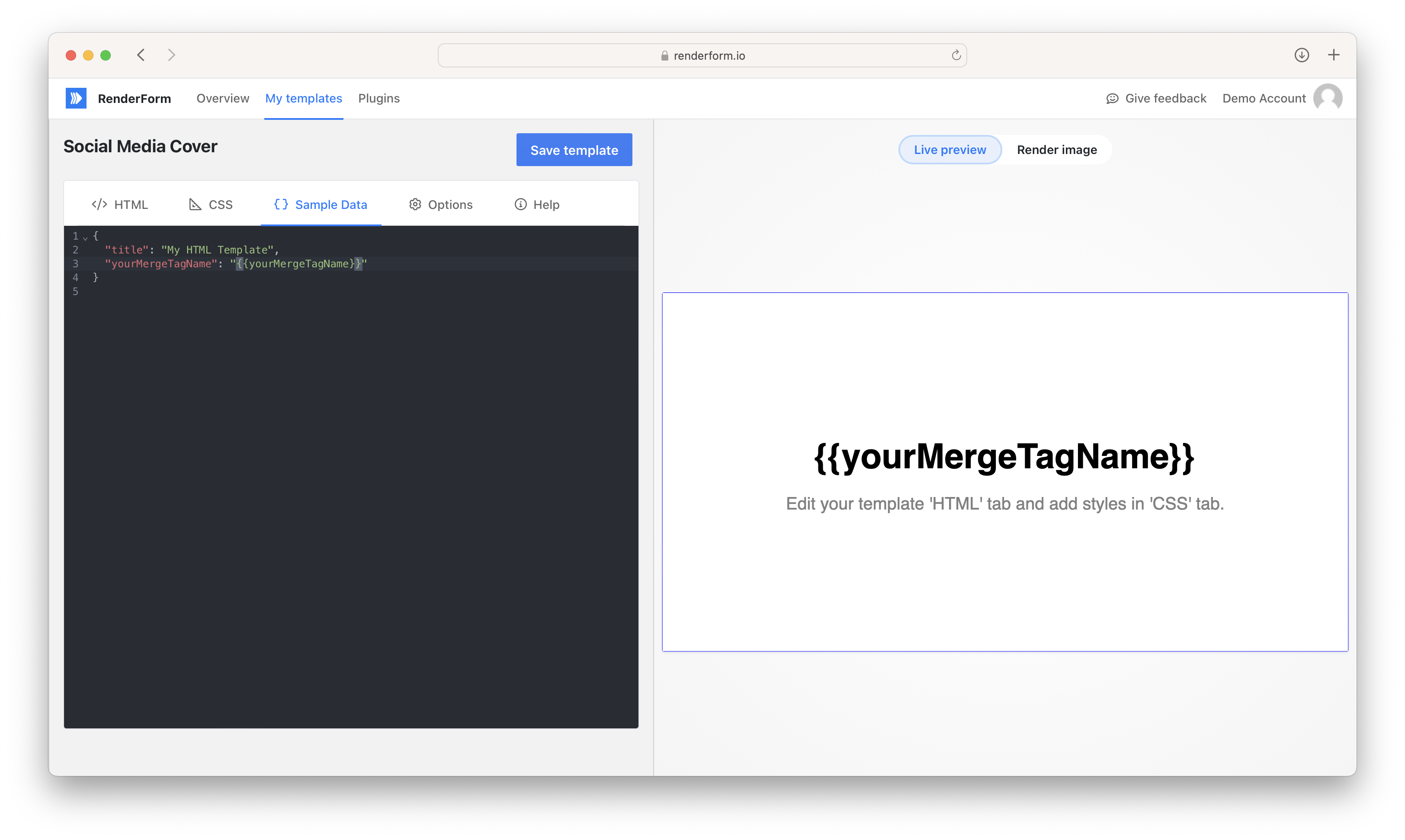
Click Render Image on the right side to render the image and see the output. RenderForm will merge your HTML template and CSS file with Sample Data JSON.
Rendering lists
HTML templates are processed using Handlebars, which means you can use built-in helpers like {{#each}} to iterate over arrays and render multiple HTML elements.
Example: Rendering an array as individual elements
If your Sample data JSON contains an array:
{
  "pills": ["discount", "free shipping", "new arrival"]
}
You can use the {{#each}} helper in your HTML template to render each item as a separate element:
<div class="pills">
  {{#each pills}}
    <div class="pill">{{this}}</div>
  {{/each}}
</div>
This will output:
<div class="pills">
  <div class="pill">discount</div>
  <div class="pill">free shipping</div>
  <div class="pill">new arrival</div>
</div>
Without
{{#each}}, using{{pills}}directly would render the array as a comma-separated string:discount,free shipping,new arrival.
Example: Rendering an array of objects
You can also iterate over an array of objects. Given the following sample data:
{
  "features": [
    { "icon": "✅", "label": "Free shipping" },
    { "icon": "⭐", "label": "Top rated" }
  ]
}
Use the {{#each}} helper to access each object's properties:
<ul class="features">
  {{#each features}}
    <li>{{this.icon}} {{this.label}}</li>
  {{/each}}
</ul>
Other useful Handlebars helpers
{{#if variable}}...{{/if}}– conditionally render content{{#unless variable}}...{{/unless}}– render content if variable is falsy{{@index}}– access the current index inside{{#each}}