REST API
Explore the available endpoints for working with templates, images, and results via RenderForm's Image Generation API.
Three steps from a blank artboard to a rendered clip.
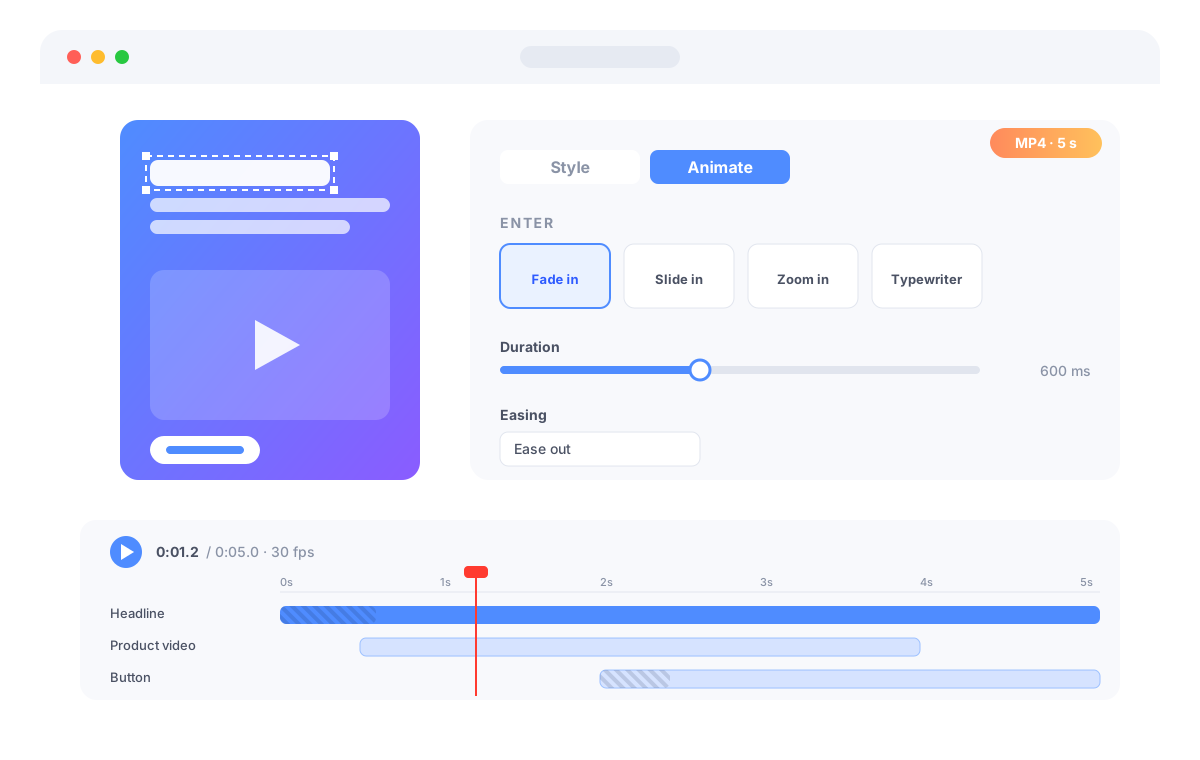
Create a video template in the Advanced Editor. Add text, images, shapes, QR codes, custom HTML or a source video, exactly like an image template.
Pick enter, loop and exit effects for every component, set when it appears and disappears, and scrub the timeline to preview the result instantly.
Send your data to the API or render from the dashboard. Every clip is rendered frame by frame, so the video matches the editor preview pixel for pixel.
Choose from ready-made effects such as fade, slide, zoom, pop, wipe, blur or typewriter, adjust duration, delay and easing, and drag bars on the timeline to decide when each element is on screen. No motion design skills required.
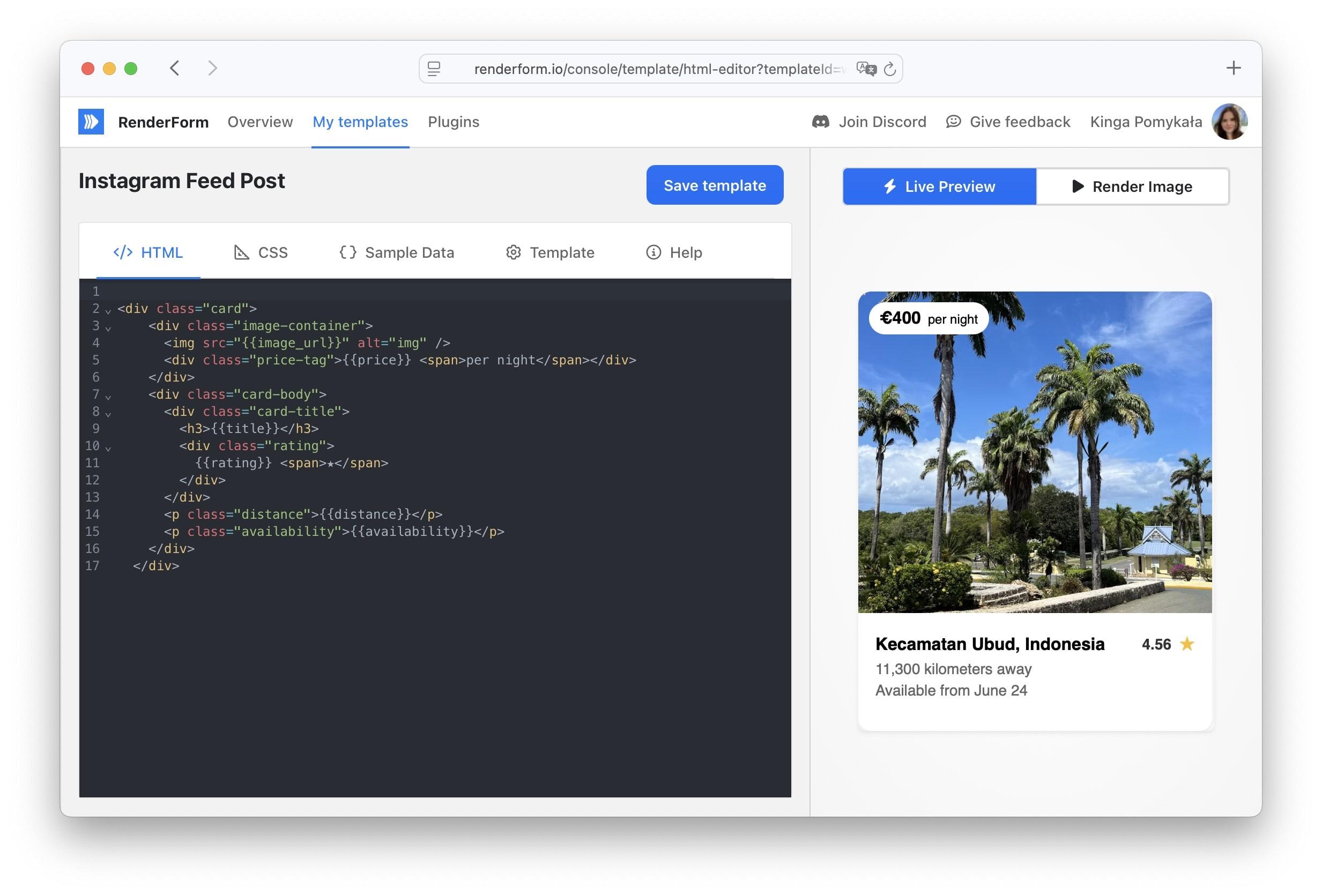
Call POST /api/v2/render with your template and data, receive a request id, and poll or wait for a webhook. Override the text, images, video length and frame rate per request to personalize every clip.
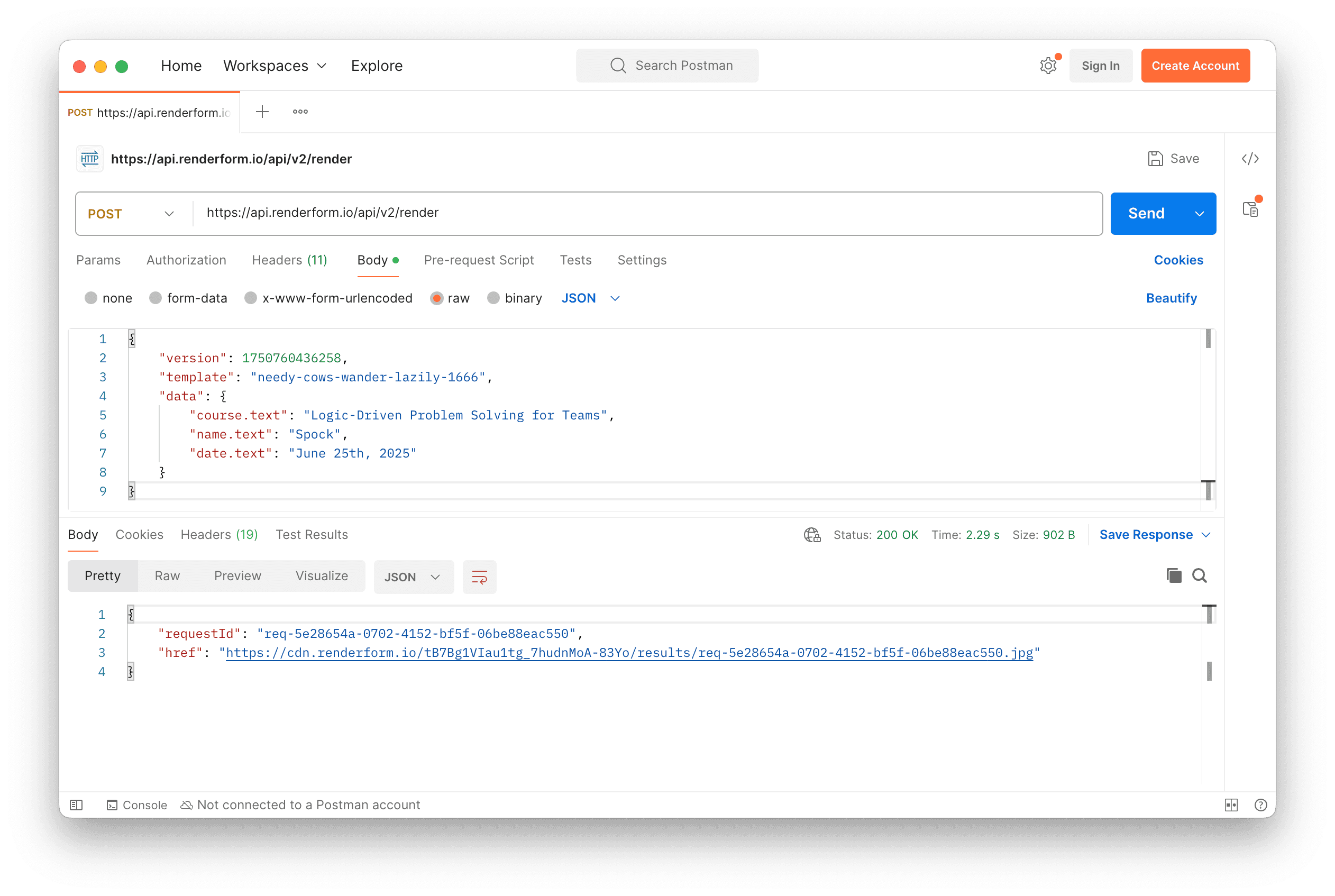
Start from presets for Stories and Reels (1080×1920), square posts (1080×1080), landscape videos (1920×1080) or banners (1200×628), or set any custom size.
POST https://get.renderform.io/api/v2/render
X-Api-Key: <your-api-key>

{
  "template": "video-template-id",
  "outputFormat": "mp4",
  "duration": 6000,
  "fps": 30,
  "data": {
    "headline.text": "Summer sale starts today",
    "product.src": "https://example.com/sneaker.png"
  }
}

HTTP 202 Accepted
{
  "requestId": "req-...",
  "href": "https://cdn.renderform.io/.../req-....mp4",
  "status": "pending"
}Explore the available endpoints for working with templates, images, and results via RenderForm's Image Generation API.
See how to use RenderForm with your favourite tools right away.
Free plan • No credit card required • Get started in minutes
RenderForm lets you generate short videos from templates and dynamic data, the same way you generate images and PDFs. Design a template once in the Advanced Editor, animate its components on a timeline, and render personalized MP4 or WebM clips through the REST API, from a spreadsheet, or with no-code tools such as Zapier and Make.com. Ideal for social media stories and reels, product promos, event announcements, personalized video ads and e-commerce feeds.
Every video is rendered frame by frame in a headless browser and encoded with ffmpeg. The animation engine that drives the editor preview is the same one used during rendering, so what you see on the timeline is exactly what ends up in the file. Videos are rendered asynchronously: the API responds immediately with a request id and a pending status, and you can poll the results endpoint or receive a webhook when the clip is ready.
Video rendering costs 5 credits per started second of video, on every plan. A 5-second clip costs 25 credits. Credits are charged when the request is accepted and refunded automatically if the render fails.
You can place a video component inside a template and trim, loop or speed up the source clip; it is rendered as part of the timeline. Audio tracks are not supported yet and rendered videos are silent.
Discover the latest news, tips and updates about RenderForm.
Capture screenshots of webpage using REST API. Screenshot API is a simple service created to facilitate the process of taking screenshots on demand.
 Jakub PomykałaAug 03, 20262 min read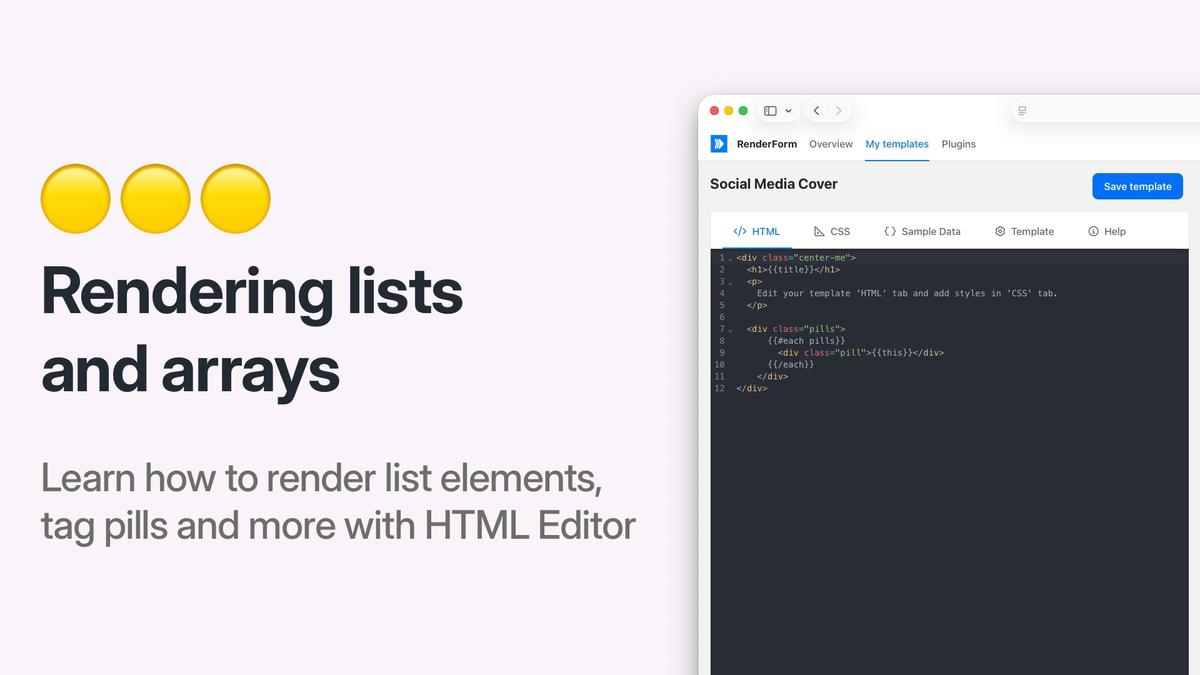
Learn how to render JSON arrays as multiple HTML elements in RenderForm HTML templates using the Handlebars {{#each}} helper.
Jakub PomykałaFeb 23, 20263 min read
Discover common image rendering issues in RenderForm and learn effective troubleshooting tips to resolve them quickly. Improve your image generation process.
Jakub PomykałaApr 09, 20259 min read