Connect in one minute
Add the RenderForm server URL to your assistant, sign in with your RenderForm account and approve access. That's it.
Connect Claude, ChatGPT, Cursor or VS Code to RenderForm with a single URL. Sign in, approve, and your assistant renders your templates, takes screenshots and manages results right from the chat.

Add the RenderForm server URL to your assistant, sign in with your RenderForm account and approve access. That's it.
Server URL
Every tool maps to a public RenderForm API endpoint, so the results are exactly the same as from your own code.
Fill any of your templates with text, images and colors and get the file URL back
Capture a URL at the exact size you need, e.g. 1200×630 for social previews
Turn a URL into an A4, Letter or custom-size PDF
Search your templates and read which fields can be changed
List, inspect and delete files rendered by you or your integrations
See remaining credits, plan details and available fonts
Your assistant picks the right template, fills in the data and returns the links. A few ideas to start with:
Your assistant never has to draw anything. It fills the templates you designed in the RenderForm editor, so every image, PDF or video stays on brand no matter who or what requests it.
Explore the template editor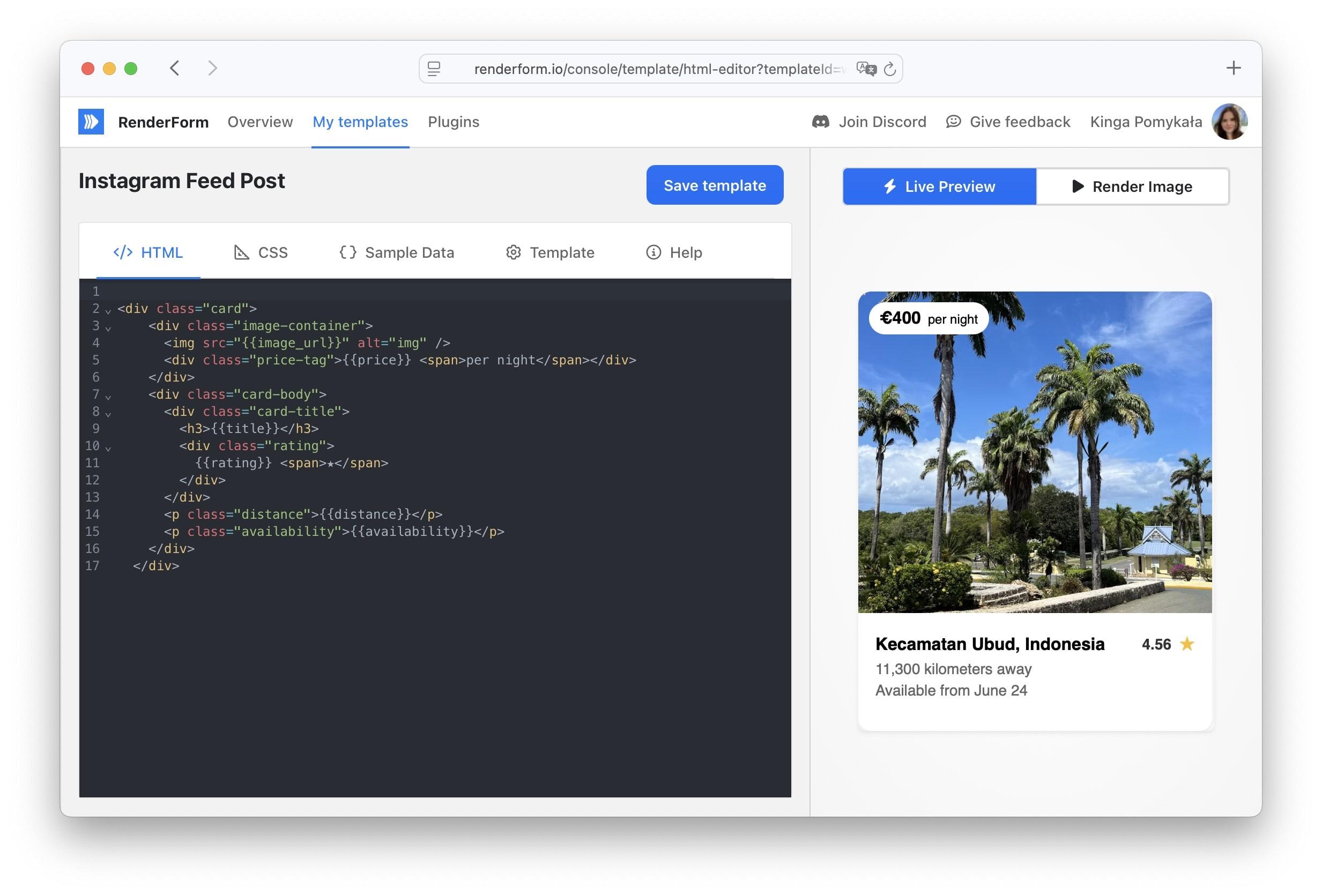
Connecting an assistant works like "Sign in with Google": you approve it once, and you stay in control.
OAuth sign-in with your RenderForm account. Your API key never ends up in a config file or a chat.
You see which organization you connect, and access ends automatically when you leave it.
Every connected app is listed on the API Keys page, where you can revoke it with one click.
For clients without OAuth support, scripts and CI, the same server accepts your RenderForm API key.
Remote server with an API key header
{
  "mcpServers": {
    "renderform": {
      "url": "https://api.renderform.io/mcp",
      "headers": {
        "X-Api-Key": "RENDERFORM_API_KEY"
      }
    }
  }
}
Local server from npm
{
  "mcpServers": {
    "renderform": {
      "command": "npx",
      "args": [
        "-y",
        "renderform-mcp",
        "--api-key=RENDERFORM_API_KEY"
      ]
    }
  }
}
The local server is open source - fork it and add your own tools: github.com/RenderForm/renderform-mcp
See how to use RenderForm with your favourite tools right away.
Free plan • No credit card required • Get started in minutes
The Model Context Protocol (MCP) is an open standard that lets AI assistants call external tools. The RenderForm MCP server exposes the RenderForm API as MCP tools, so assistants such as Claude, ChatGPT, Claude Code, Cursor, VS Code with GitHub Copilot or Windsurf can render images, PDFs and videos from your templates, take screenshots of web pages, and browse or delete render results, all from a natural-language conversation.
Add https://api.renderform.io/mcp as a remote MCP server (in Claude and ChatGPT it's called a custom connector), then sign in to RenderForm and approve access when your assistant opens the browser. There is nothing to install or host. Step-by-step instructions for each client are in the setup section above and in the MCP documentation.
No. You sign in with your RenderForm account and approve the assistant for your organization. If your client doesn't support OAuth sign-in, you can send an API key from the API Keys page in the X-Api-Key header instead.
No. Renders requested through the MCP server use the same credits as renders made through the REST API or the dashboard: 1 credit per image or PDF, and 5 credits per second of video. You can try it on the free plan.
The assistant gets access only after you approve it on a RenderForm page, its access tokens expire after an hour and are renewed in the background, and you can disconnect it at any time on the API Keys page. Keep in mind that the assistant can delete templates and render results with the tools it is given - most clients ask for your confirmation before running such tools.
Discover the latest news, tips and updates about RenderForm.
Capture screenshots of webpage using REST API. Screenshot API is a simple service created to facilitate the process of taking screenshots on demand.
 Jakub PomykałaAug 03, 20262 min read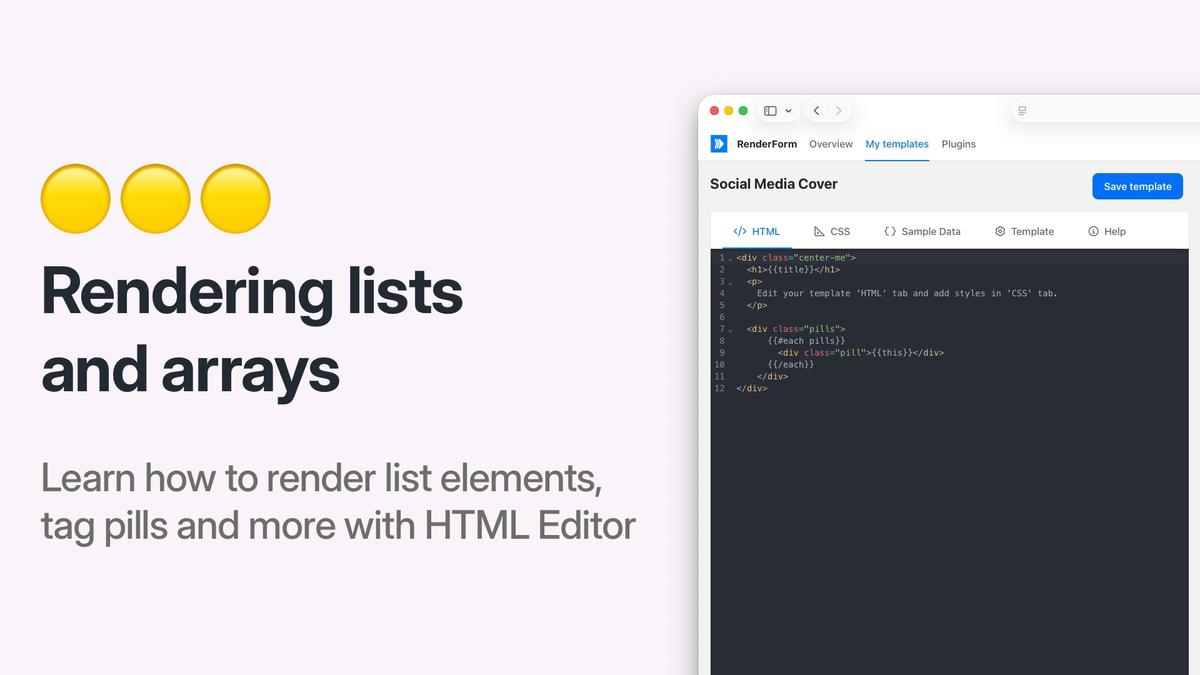
Learn how to render JSON arrays as multiple HTML elements in RenderForm HTML templates using the Handlebars {{#each}} helper.
Jakub PomykałaFeb 23, 20263 min read
Discover common image rendering issues in RenderForm and learn effective troubleshooting tips to resolve them quickly. Improve your image generation process.
Jakub PomykałaApr 09, 20259 min read