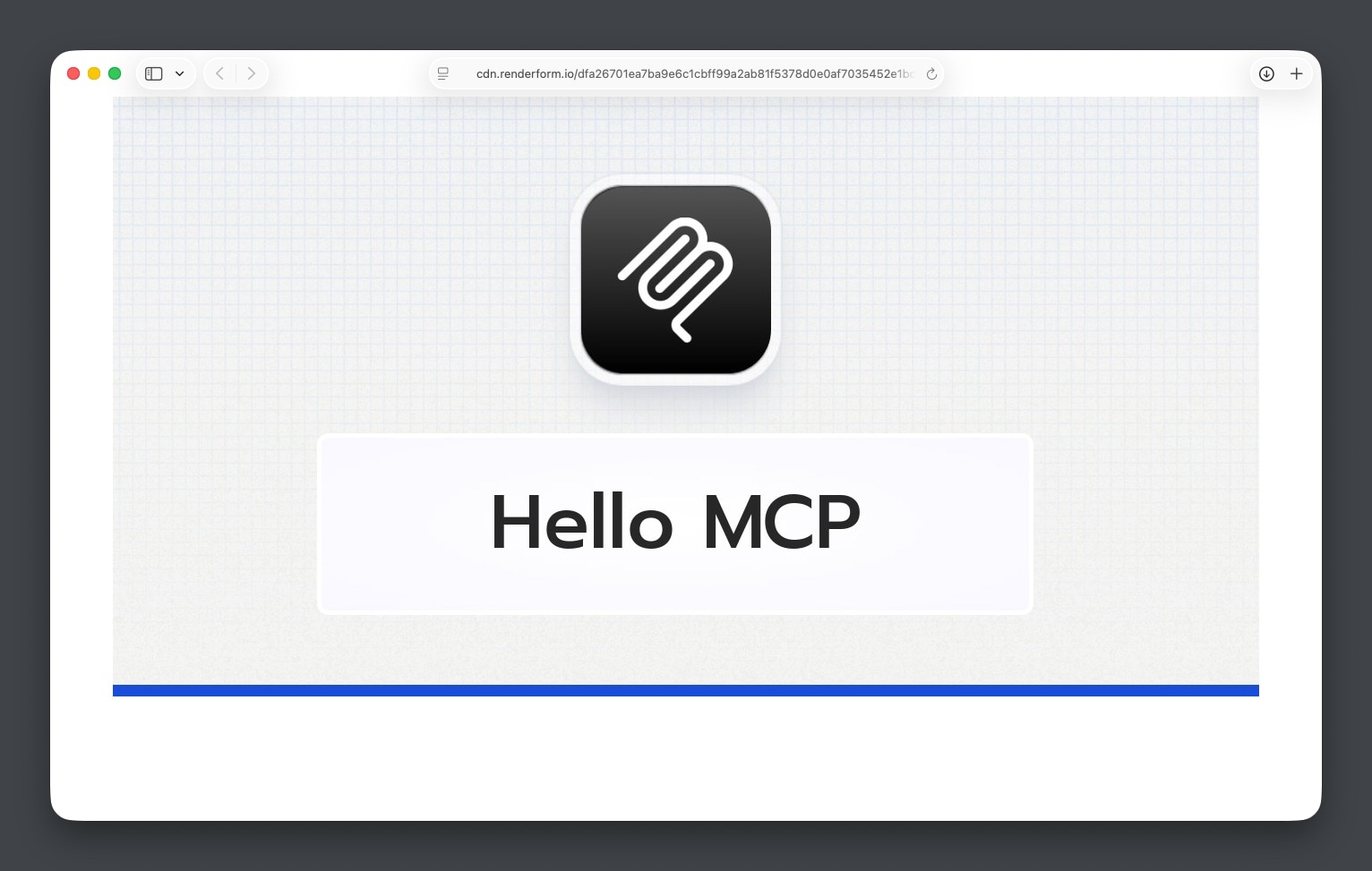
Supercharge Your AI Workflow: Integrating RenderForm MCP
 byJakub Pomykała
Supercharge Your AI Workflow: Integrating RenderForm MCP
In today’s fast-paced development environment, streamlining your workflow is essential. If you’re already using AI assistants to boost productivity, you know how powerful tools like Claude Desktop or Cursor can be. Now, you can take that experience to the next level by integrating RenderForm directly into your chat workflow using the Model Context Protocol (MCP).
With the official RenderForm MCP server, you can generate images, PDFs, and screenshots without ever leaving your chat interface.
What is RenderForm MCP?
RenderForm MCP is an official server that enables AI assistants to call the RenderForm API directly. Instead of switching tabs or writing manual API requests, you can simply ask your AI to "generate a banner for my new blog post," and it will handle the rest.
Getting Started
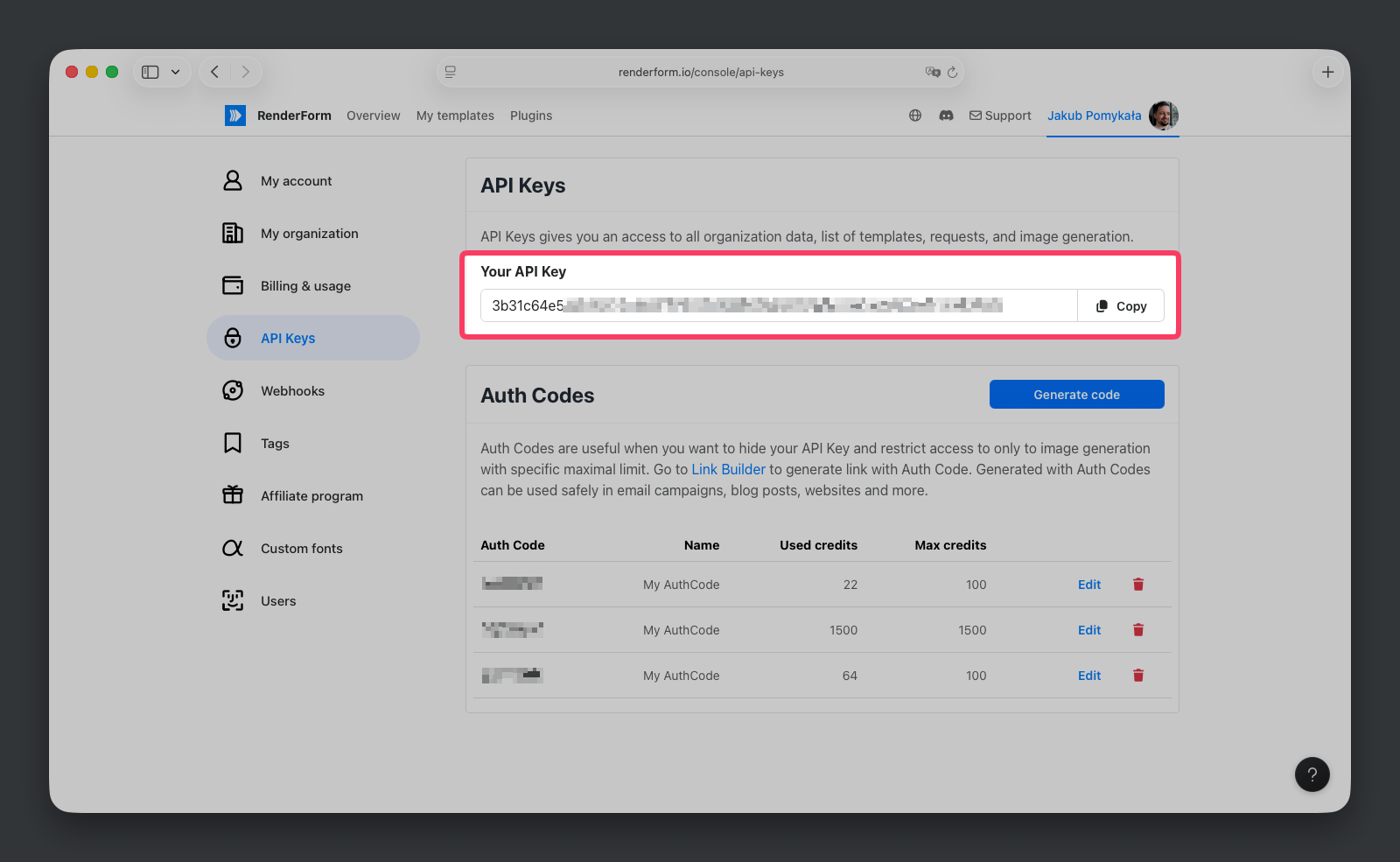
To get started, you will need a RenderForm API Key.
1. Get your API Key
Log in to your RenderForm account, navigate to Account > API Keys, and generate a new key if you haven't already.
2. Configure Your MCP Client
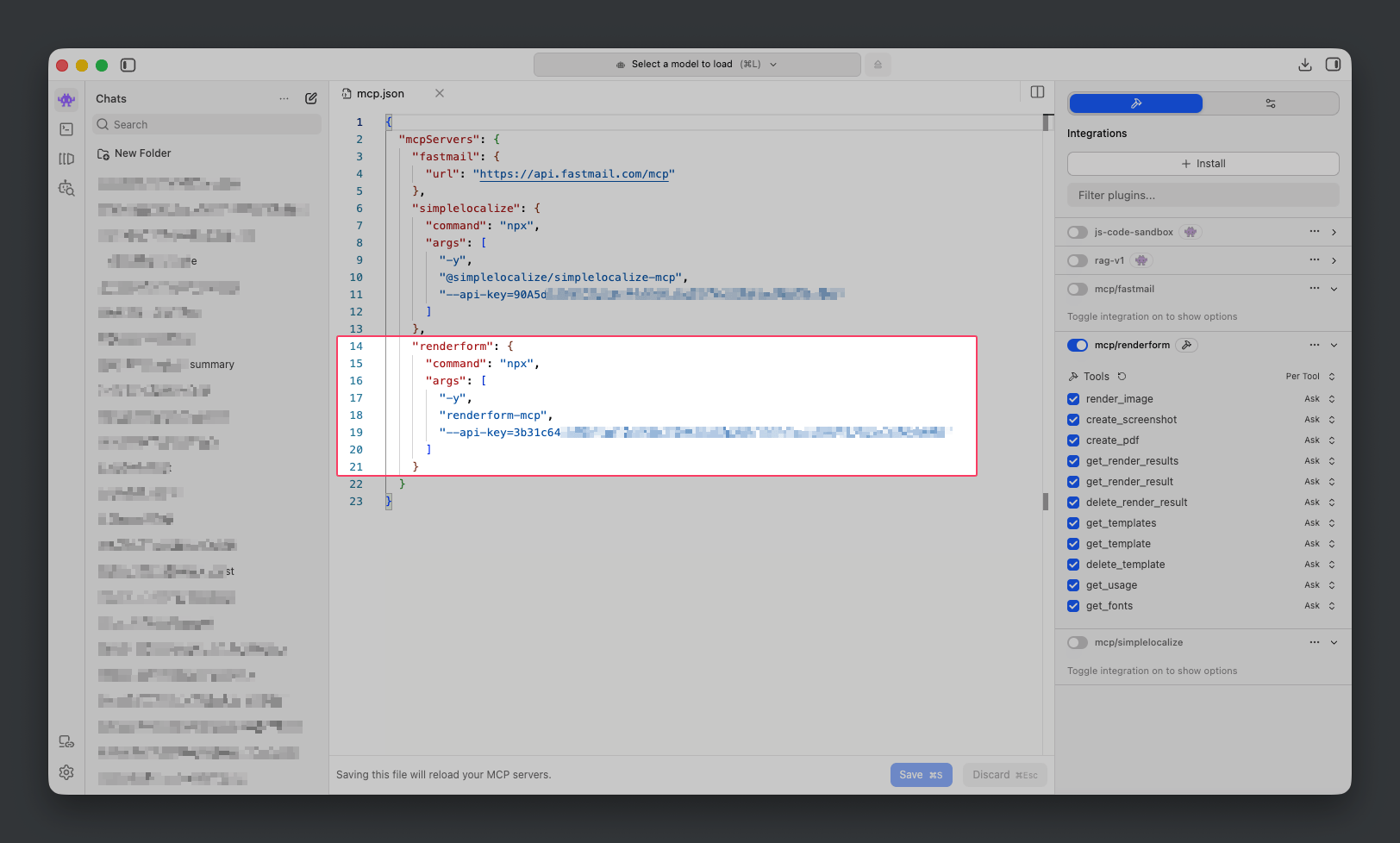
Add the RenderForm server to your MCP configuration file. You will need to add the following block:
{
  "servers": {
    "renderform": {
      "type": "stdio",
      "command": "npx",
      "args": ["-y", "renderform-mcp", "--api-key=YOUR_RENDERFORM_API_KEY"]
    }
  }
}
Replace YOUR_RENDERFORM_API_KEY with your actual API key.
How to Use It
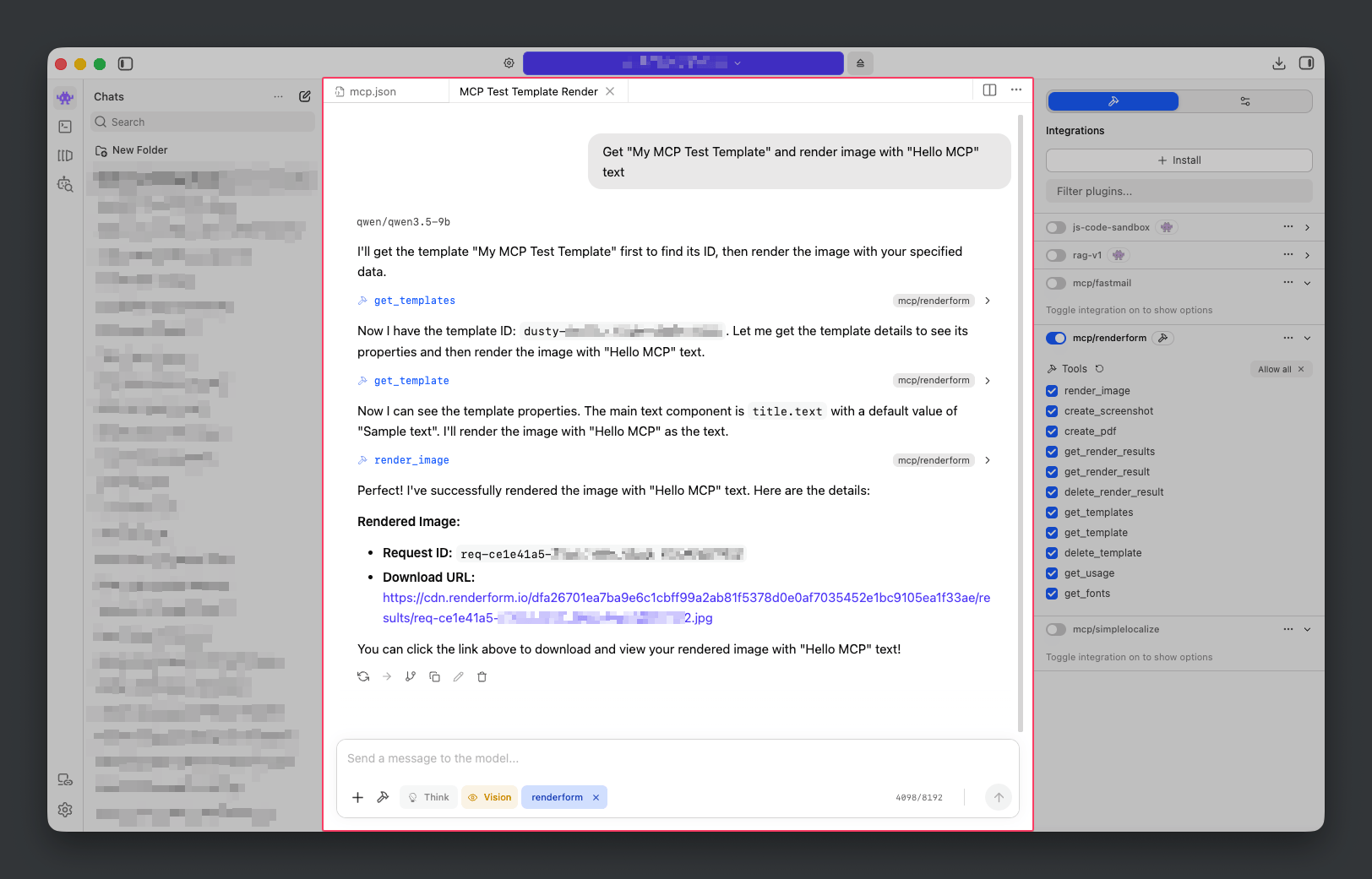
Once configured, your AI assistant will automatically recognize the RenderForm tools. Try asking it things like:
- "Generate an image using the 'blog-card' template with the text 'Welcome to my blog'."
- "Create a PDF of the page https://renderform.io."
Why Integrate RenderForm with MCP?
- Speed: Generate designs without leaving your IDE or chat interface.
- Simplicity: No need to write complex API integration code for basic tasks.
- Efficiency: Use AI-generated context to customize and automate your design needs seamlessly.
Ready to get started? Check out the full documentation and the GitHub repository for more details.